

A screen in mid-air
No inventory window: the display floats in front of you, visible only to you. Look, click – done.
Hyperknox Display · Key F
Press F – and the server is at your fingertips.
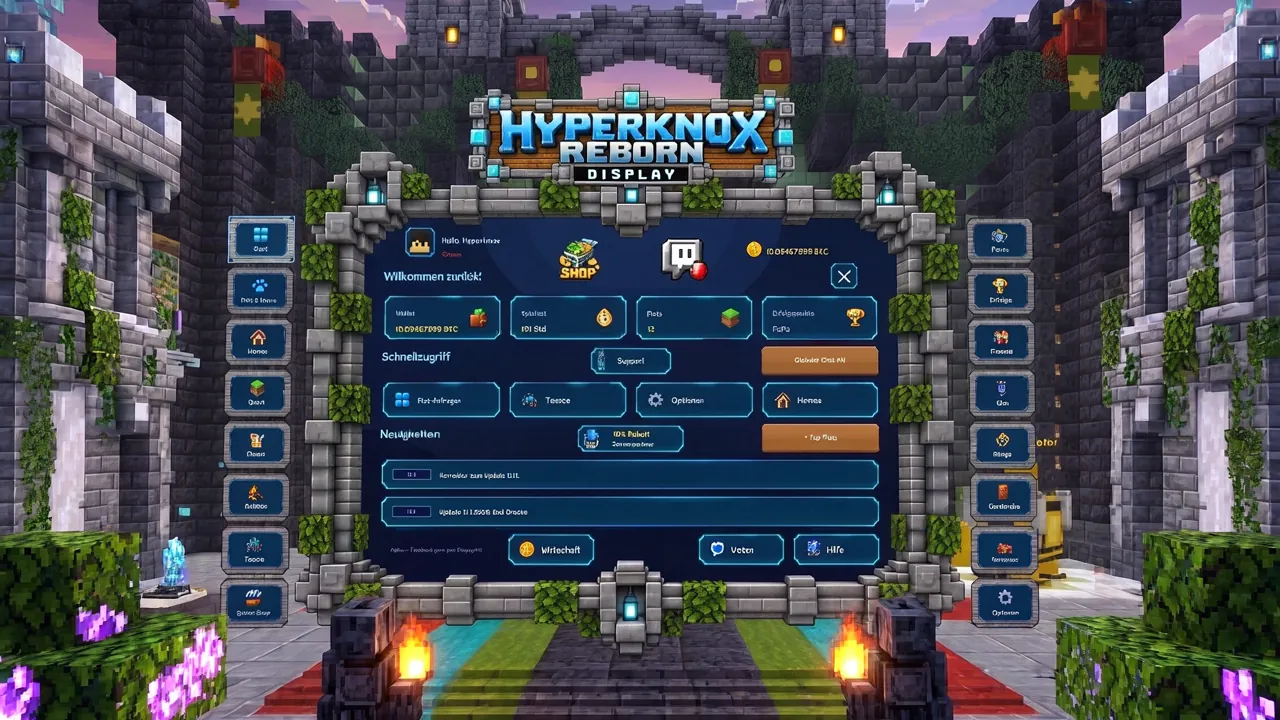
The Hyperknox Display floats in the air in front of you as a large screen. Only you can see it. You use it with your crosshair – no commands, no chest GUI.
No inventory window: the display floats in front of you, visible only to you. Look, click – done.
Wallet, playtime, plots and achievement points right on the start page.
Four big buttons to your favourite pages – you choose which.
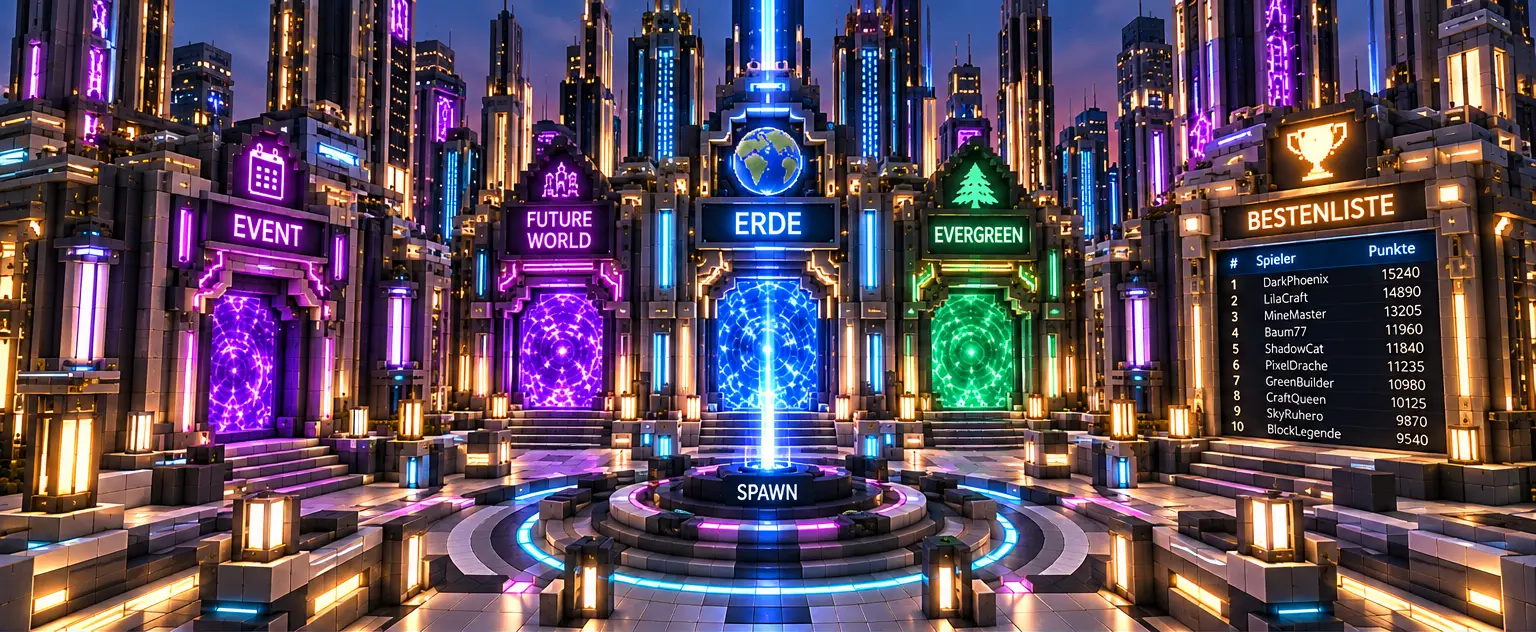
Homes, plots, friends, shops, ranks, voting, bag, clan, achievements, auctions, wardrobe and help.
All your homes network-wide, with a status showing whether you can jump straight there.
Who is online and where? One click sends a teleport request – or an alarm clock if they are offline.
The support tile with Knoxi calls support for you – no command needed.
8 languages, size 80–140 %, sounds, scoreboard, name tags, cooldowns and do-not-disturb mode.
Start Minecraft Java 26.3, add the server, done.
hyperknox.de
 Plot system
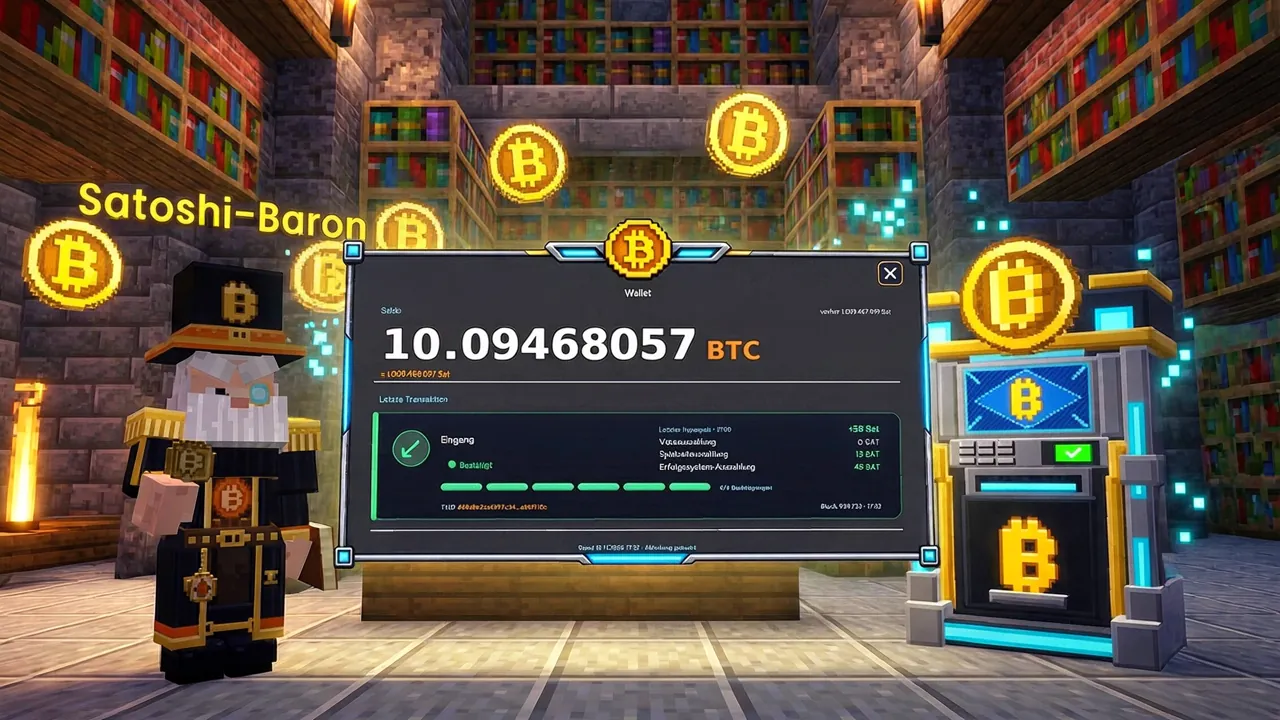
 Transparent economy
 Marketplace & auction house
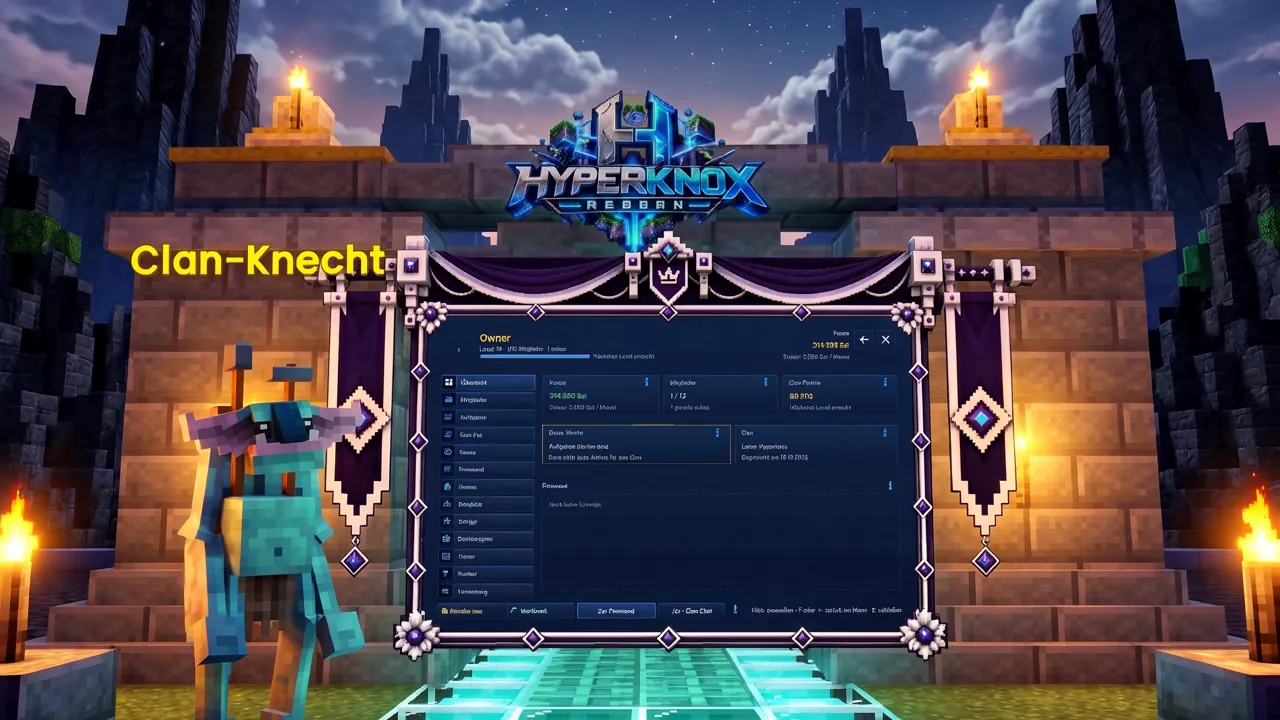
 Clan system
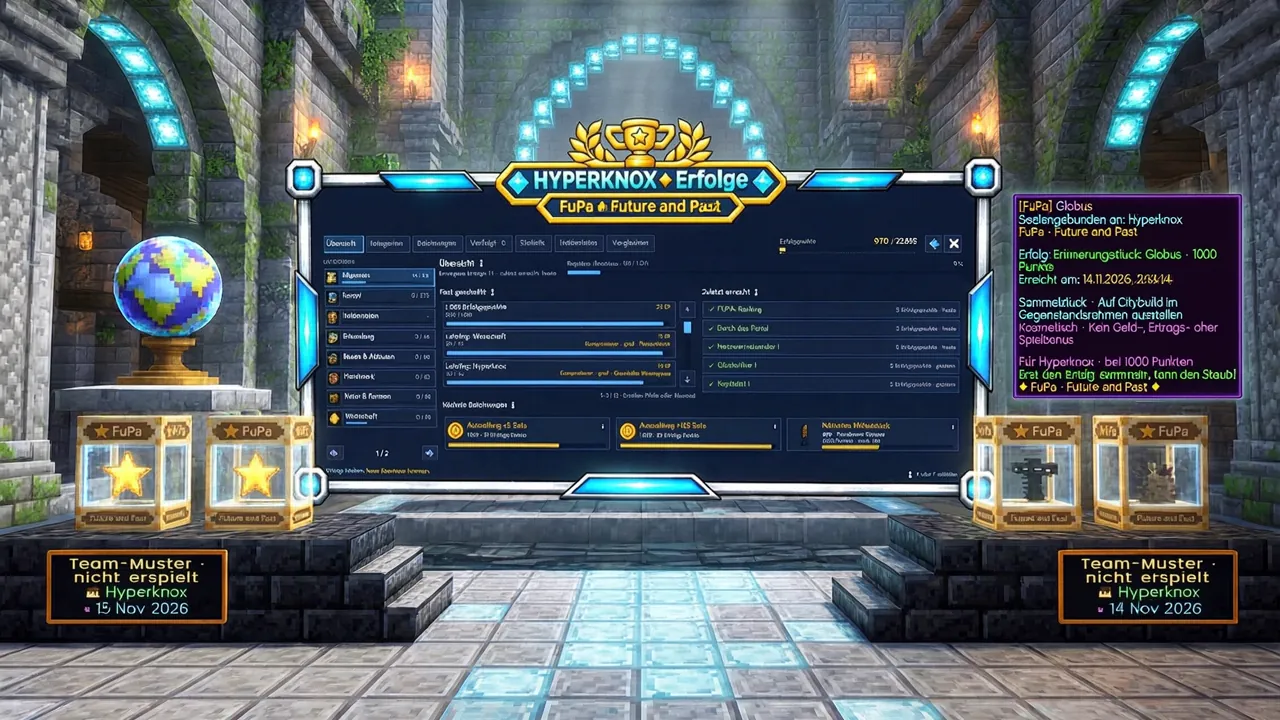
 Achievements · FuPa